BAJI999 Login: Steps for secure access
The goal of the Login page is account access. The App page talks about the device, the Register page indicates preparation for a new account; here the focus is on password, OTP, recovery, and the risk of providing credentials on the wrong page. Understanding the overall brand path BAJI999 Bangladesh Official Guide See.
Login assistance does not mean account recovery service. Do not send password, OTP, PIN, recovery code, NID/KYC file or payment screenshot in any phone call, social chat, form, or public message.
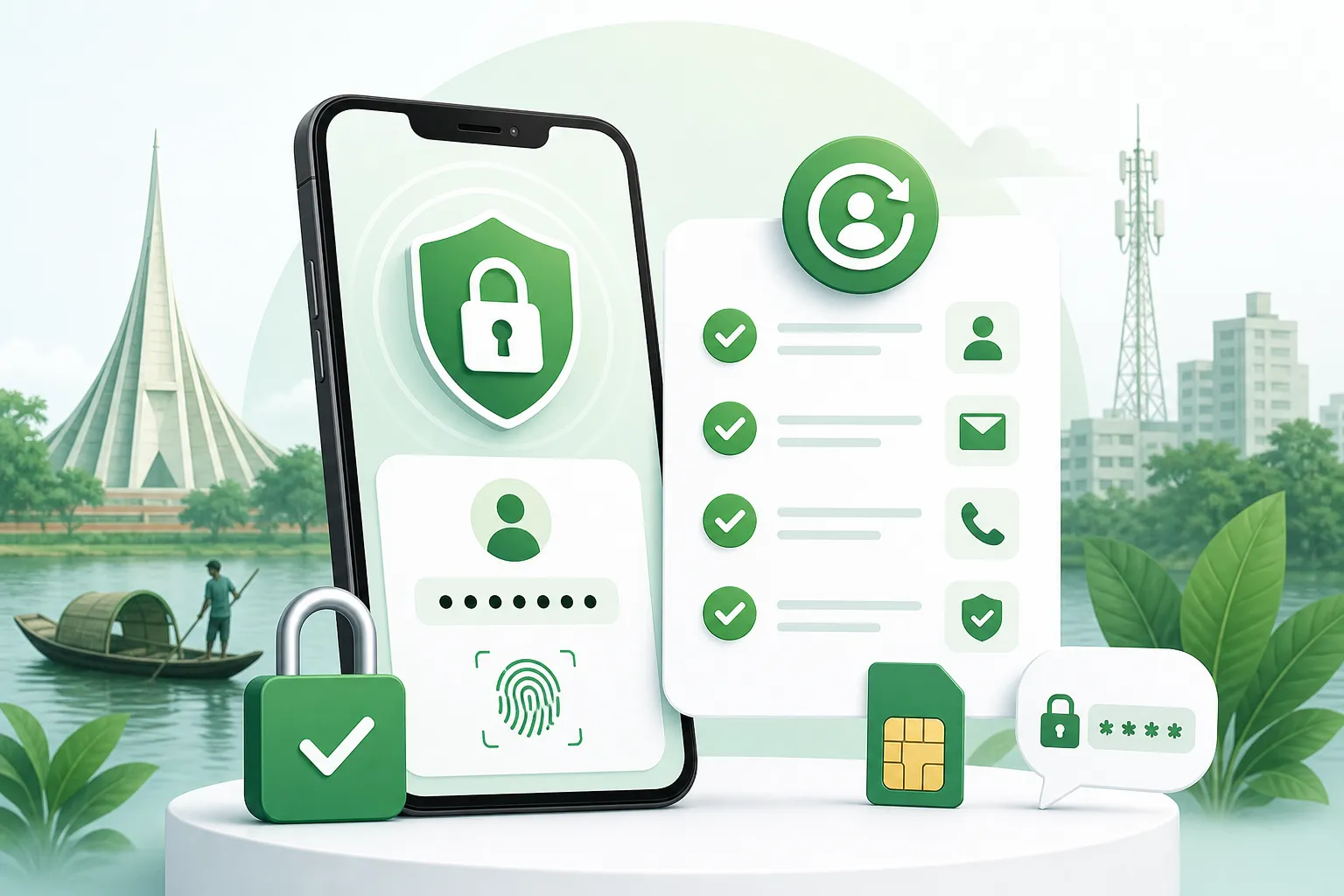
Three checks before logging in
- Match the domain spelling and secure browser indicator.
- Check if your phone or email recovery option is active.
- Use a password manager or private note, do not keep passwords in public chat.
If there is a password or OTP issue
If the password is incorrect, do not rush to try repeatedly, follow the official recovery flow. If there is an OTP delay, check the network, SMS inbox, phone number, and time limit. If someone asks for the OTP, it is not support, but rather a risk of account takeover.
How to identify suspicious login requests
| Warning signs | What to do |
|---|---|
| An unusual bonus pop-up is asking for login | Close the page and start again from the familiar access path. |
| The password reset link has come in chat | Do not use it unless you requested it yourself. |
| Asking for OTP again before making a payment | Read the rules on the payment page and match the account notice. |
Understanding the steps to create a new account BAJI999 Register Guide And knowing the private support boundary BAJI999 Contact Bangladesh Read the page.
What to do if there is a BAJI999 login problem
If you encounter a BAJI999 login problem, first check the domain spelling, password field, OTP timing, browser cache, and recovery option. If BAJI999 account login fails repeatedly, do not try the same password multiple times; follow the official recovery flow. Do not provide your password, OTP, or PIN over any phone call, Telegram, WhatsApp, or public form.
BAJI999 Login FAQ
The first task is to check the access page, password field, and browser security together. Before providing credentials, be aware if the page seems unfamiliar or is creating extra pressure.
Check the network, SMS inbox, phone number, and request time. Do not share the OTP with anyone, as the OTP is personal proof of account access.
Use the official recovery flow. Providing password reset information on third-party forms or chat links increases the risk to your account.
No. The Login page is for accessing an existing account, while the Register page is for creating a new account and preparing for verification.
If account access is not stable, there may be mistakes in deposit or withdrawal steps as well. Therefore, ensure account safety first.